
 See it all in three minutes
Meet your magical new brand kit
A beautifully organized brand is in your future.
And a suspicious absence of files named logo_FINAL_final_v7.png.
- Your first brand is free
- No card needed
- Mac app included

- Romantic
- Grounded
- Unhurried
- Logos
- Colors
- Type
- Voice
- Snippets
- Search details
- Links
- Contact
- Offers
- Media kits
- Mood boards
- Live boards
Does this sound familiar?From chaos to calm
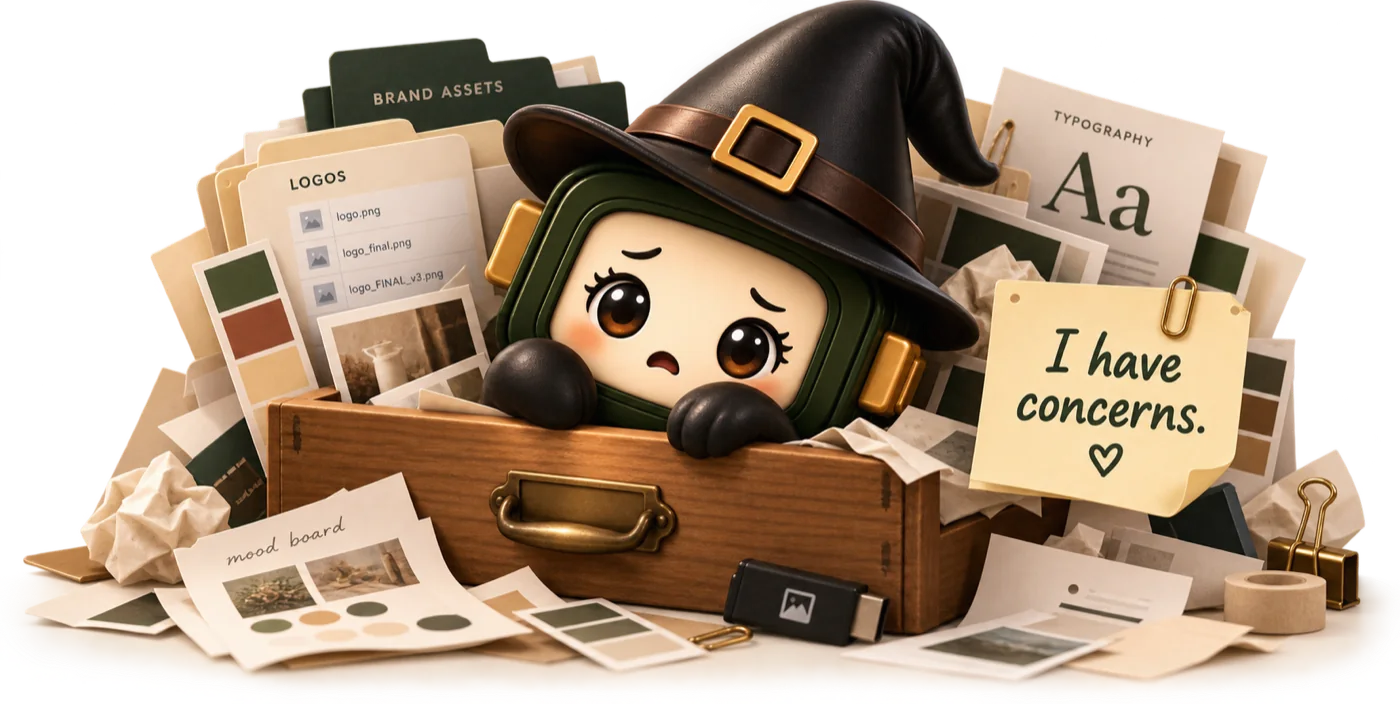
Even the best brands have a junk drawer.
The logo is somewhere. The correct hex code is probably in an old email. Someone definitely has the latest bio. Tabitha has seen enough.

Logos
Colors
Words
Mood board



I have concerns.There. Now that’s more like it.

Every great brand needs a little magic
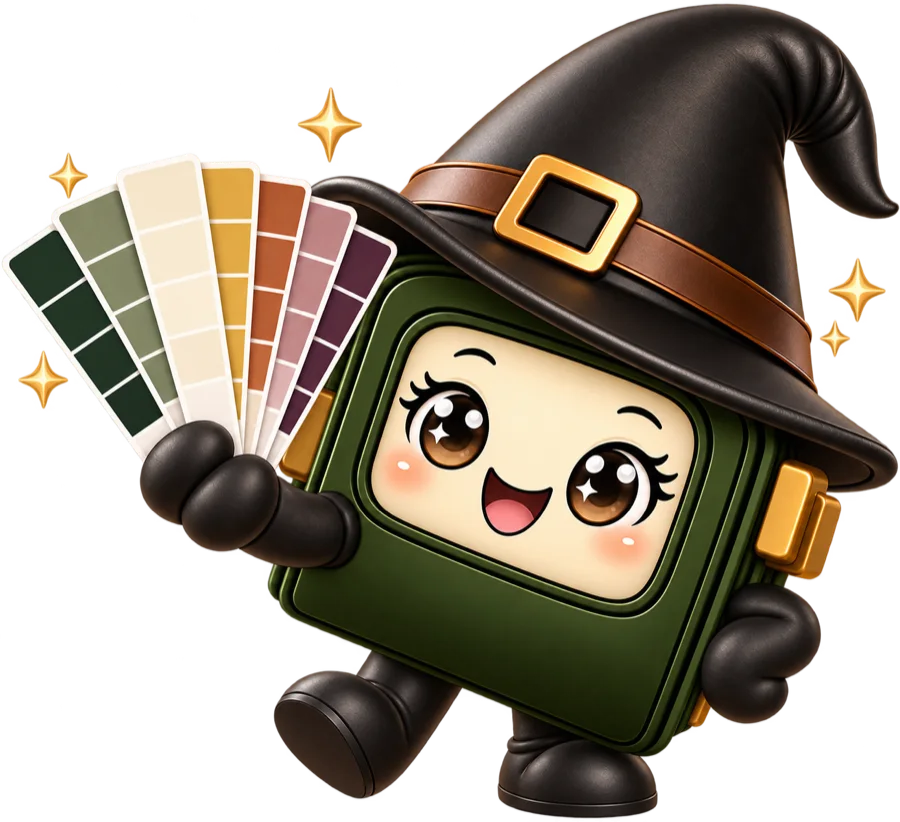
Meet Tabitha.
A tiny witch with an enormous talent for making sense of beautiful messes. She keeps the important details close, helps everyone find what they need, and makes getting organized feel suspiciously delightful.
- Organizes your assets
- Keeps your visual direction alive
- Saves the essentials close
- Helps you share beautifully
“I do love a cohesive aesthetic.”
- $0Your first brand, free for as long as you like
- ⌘KFind it, copy it, done
- 1 linkAll Tabitha needs to set up a brand
- 20 brandsOn Creative, sub-brands included. No limit on Studio
How it works
From one link to a whole brand kit.
Give Tabitha your website and she does the filing: the real logo, the true palette, the fonts, and the words you already use.
Try a smart read on a sample brand
- Finding the real logo
- Matching the true palette
- Naming the fonts
- Drafting the bio, tagline and voice
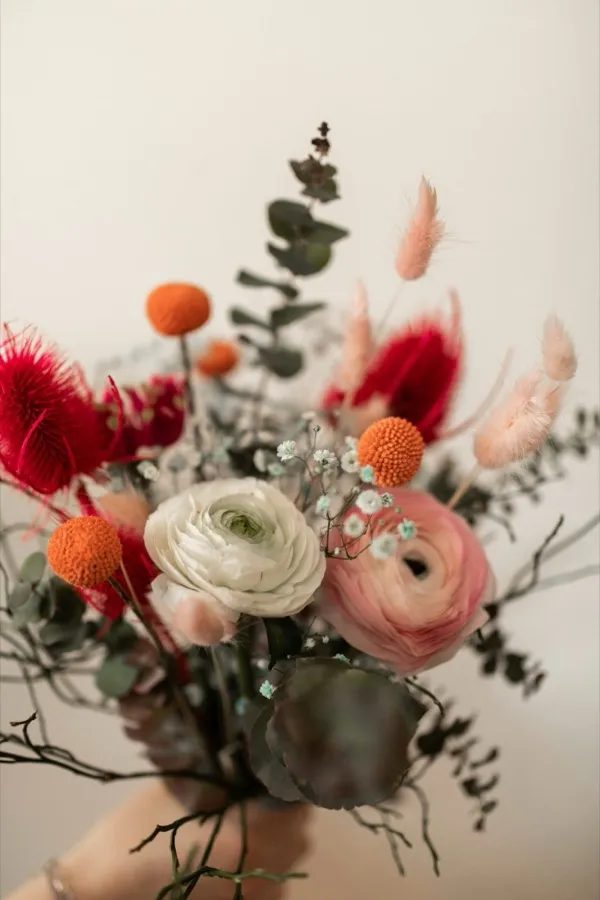
Flowers for slow, joyful days.Fraunces and Avenir Next · Romantic, grounded, unhurried
A sample: nothing is sent anywhere. Free includes 5 smart reads a month.
- Step one
Paste your website
One link is the whole brief. No forms to fill, no folder archaeology.
- Step two
Tabitha reads it
She picks out the real logo, the true palette and the fonts, then drafts your bio, tagline and voice from the words already on your site.
- Step three
You check the work
Everything arrives as suggestions for you to review. Keep what’s right, change what isn’t.
- Step four
Copy it anywhere
In the web app, with ⌘K, or from your Mac’s menu bar. Logos land on the clipboard as images, ready to paste.
A place for everything beautiful
Every brand has a story. Keep the details together.
The right logo. The perfect shade. The typography that makes everything feel just right. Your workspace keeps the identity you’ve worked so hard on organized and easy to reach.
The brand library
Every logo file, palette and font in one tidy place. Click a logo to copy it as an image, or a color to copy its code.
See it in the tour“Write like a handwritten note: warm, plain and unhurried. Name the flower and the season.”
Ready to copyWords, ready to paste
Your tone of voice, approved bios and search details, kept where the whole team can find them and copy them in a click.
See it in the tour


Boards with a pulse
Gather the feeling behind your brand on a mood board, then build live boards that grow with it and are ready to share.
See it in the tourAlso insideLinks and contactOffersDocumentsA media librarySub-brands
Now showing
BrandTab in action.
Tune in to the full tour, or flip through it one feature at a time. Twelve short films, none longer than three minutes.
The full tourEverything BrandTab does, in about three minutes.
The little shortcut with big main-character energy
Your brand, one keystroke away.
You’re writing an email and need the official tagline. Somewhere else, a designer needs your brand green. With quick copy, your brand’s most-used details are ready whenever you need them.
- ⌘K quick copy. Find and copy any brand detail in a keystroke.
- Search the way you think. Type “green” and it finds Moss.
- Every brand at once. Results from your other brands sit right below.
Go on, press ⌘K or It works on this page.

Consider it a tiny spell for finding things.
New: BrandTab for Mac
Your brand, right in your menu bar.
Writing an email, building a deck, posting in a hurry? Open BrandTab from the menu bar and copy exactly what you need, without hunting through tabs.
- Always in your menu bar. Click the BrandTab tab, or press ⌥⌘B in any app.
- Every brand, one search. Colors, words, links and logos, ready to copy.
- Paste it anywhere. Logos go on the clipboard as images, for Canva, Slides, Mail and the rest.
Free with every plan. macOS 11 or later, on Apple silicon and Intel. Windows is coming soon.

Your brand, one click away!

Made for people who make things matter
A little magic for every kind of creative mind.
One lovely brand, or an entire constellation of them. Each gets its own space, with the essentials easy to reach.


Wonderfully simple
A little magic is on the house.
Your first brand is free, including every section and the quick-copy tools. Grow into Creative or Studio when your creative world needs more room.
Free
For your first beautiful idea.
$0
Free for as long as you like.No card needed.
Start free- 1 brand
- 500 MB of files
- 5 Tabitha smart reads a month
- Brand sheet and package exports
- No share pages or media kits
Creative
For solo entrepreneurs and freelancers.
$19/month
Founding price $12/monthThrough January 31, then yours to keep.
Choose Creative- 20 brands, including sub-brands
- 20 GB of files
- 100 Tabitha smart reads a month, for all your brands
- Share pages and media kits
Studio
For teams with clients.
$39/month for 2 seats
Founding price $29/monthThrough January 31, then yours to keep.
Choose StudioEverything in Creative, plus:
- Unlimited brands
- 100 GB of shared files
- 300 shared Tabitha smart reads a month
- Extra seats $15/month, each adding 25 GB and 50 smart reads
- Free view-and-copy access for clients
Founding prices are a limited launch offer for anyone who subscribes by January 31, 2027, and they stay with you for as long as you stay subscribed.
From the blog
Notes on keeping a brand in good order.

Podcast branding: a brand kit for your show, from cover art to sponsor kit
Read the post
Hex to Pantone and CMYK: why your brand color looks different in print
Read the post
Tabitha’s file naming convention for brand files, so nobody opens final_FINAL_v7 again
Read the postFree tools
Little spells for everyday brand work
Free, in your browser, and no account needed.
Good to know
Questions, answered.
If yours isn’t here, write to hello@brandtab.co. A person reads every note.
Say helloYes. Your first brand is free, with every section, quick copy and the apps, for as long as you like. Free includes 500 MB of files and 5 Tabitha smart reads a month. You don’t need a card to start.
Yes. BrandTab for Mac lives in your menu bar, so your brands’ colors, words, links and logos are a click (or ⌥⌘B) away in any app. It’s free with every plan, for macOS 11 or later on Apple silicon and Intel. Windows is coming soon.
Creative has room for 20 brands, which suits most solo entrepreneurs and freelancers. Each sub-brand counts as one of them. Studio has no limit on brands, and adds team members and free access for your clients.
A seat is one team member on Studio. Studio comes with 2 seats for $39 a month, and each extra seat is $15 a month, so a team of 4 pays $69 a month. Clients never use a seat: they get free view-and-copy access to their brands.
Tabitha reads a brand’s website and suggests its logo, palette, fonts and copy for you to review. Reads come from one monthly pool for your whole account, shared across all your brands: 5 a month on Free, 100 on Creative, and 300 on Studio, plus 50 more for each seat beyond the 2 included. On Studio, the whole team draws from the same pool.
They’re a limited launch offer. Subscribe in the first 3 months after launch and Creative is $12 a month or $120 a year instead of $19 or $190, and Studio is $29 a month or $290 a year for its first 2 seats instead of $39 or $390. Extra seats are $15 a month or $150 a year either way. The price stays with you for as long as you keep your subscription.
Every plan exports the brand sheet and the brand package, with every file. Creative and Studio add share pages and media kits. Every share page starts switched off, and switching it off again takes the page down straight away.
Soon. We’re working on handing a brand off to a client’s own BrandTab account, with all its files. Until then, Studio gives your clients free view-and-copy access.
Not at all. BrandTab is made to keep brand information organized and easy to reach, whether you’re a seasoned creative or just getting started.
Any time, from your account. Your plan stays on until the end of the period you’ve already paid for.
If BrandTab isn’t right for you, email hello@brandtab.co within 14 days of your first payment and we’ll refund it in full.
Payments are handled by Stripe, so we never see or store your card number. Prices are in US dollars, and tax may be added at checkout depending on where you live.


Founding prices through January 31
A beautifully organized brand is in your future.
Start with one brand, free. Add the rest of your creative universe when you’re ready.
Your first brand is free. No card needed.